Mudita Account. One account, less to remember.
Mudita Account is your single sign-in for Mudita services. Use it to get apps from Mudita InkApps Collection or publish one, manage your conversations on Mudita Forum or transactions at store.mudita.com, with one account instead of several.

Fewer passwords
Different Mudita services used to mean different logins. Now one account takes you across them: less to set up, less to remember and one place to keep your Mudita details. It’s free, and you can create it in a few steps.
One sign-in across Mudita
- InkApps
Install apps on your Mudita Kompakt, and rate and review them.
- Mudita Developer Portal
Publish and manage your apps in InkApps.
- Mudita Forum
Join the conversation with the Mudita community.
- Mudita Store
Shop at store.mudita.com with the same account.
Two ways to sign in
- With email and password
Create a Mudita Account and sign in with your email and password.
- With Google
Use your existing Google account, with no new password to remember.
Devices in one place
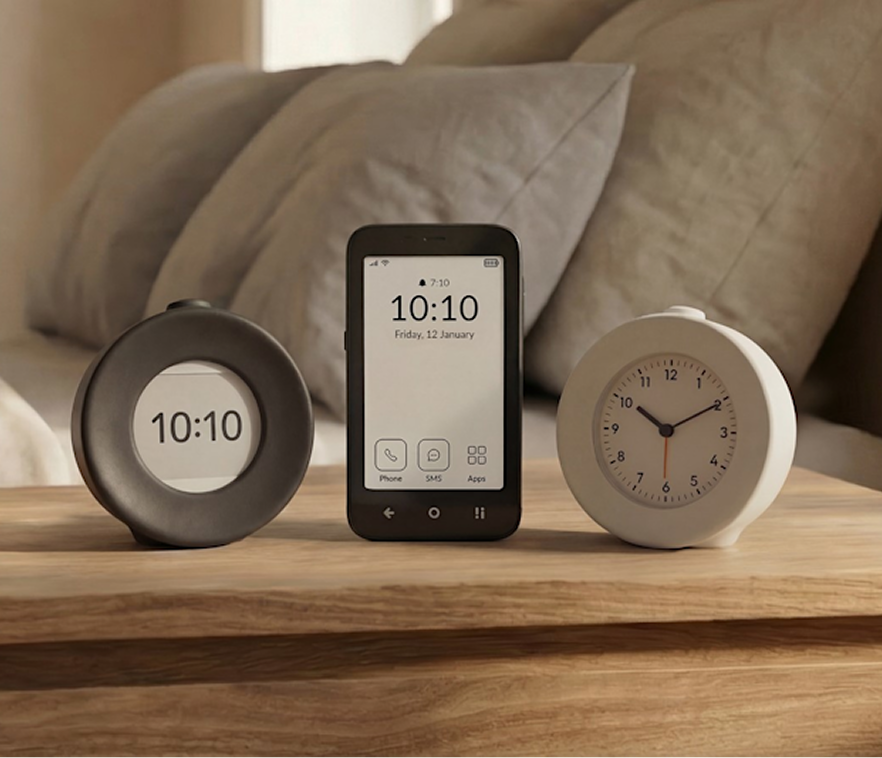
Register your Mudita devices in your account. Your account is connected with our support system, so when you contact Mudita Support, they can see which products you own and help you faster, without starting from scratch.
Only what’s needed
Each Mudita service receives only the information it needs to work. You can leave any service at any time and have your personal data deleted from our database.
Free
Mudita Account is free. Create yours in a few steps.
Newsletter connected to your account
Your Mudita newsletter subscription is connected with your account too.
Already with Mudita?
If you have a Mudita Store or Mudita Forum account, it has already been moved to Mudita Account. Keep signing in with your existing details.
Sign inFrequently asked questions
Didn’t find your answer? Visit Mudita Support.
01About the account
What is Mudita Account?
A single account for Mudita services. It lets you sign in to InkApps, the Mudita Developer Portal, the Mudita Forum and store.mudita.com, register your Mudita devices, and it’s connected with Mudita Support and the Mudita newsletter.
Is it free?
Yes. Mudita Account is free.
I already have a Mudita Store or Forum account. What happens to it?
It has already been moved to Mudita Account, so you can keep signing in with your existing details.
02Signing in
How do I sign in?
With the email and password of your Mudita Account, or with your Google account.
Do I need it to use InkApps?
You can browse the collection without an account. To install apps, and to rate and review them, sign in with your Mudita Account.
03Devices and data
Why register my devices?
When you contact Mudita Support, we can see which Mudita devices you own, so we can help you faster.
What data does Mudita Account share with other services?
Each Mudita service receives only the information it needs to work. We don’t use your account data to sell you other products. Privacy policy
04Deleting your account
How do I delete my Mudita Account?
Sign in to Mudita Account, open Profile and choose “Delete account”. Before anything is deleted, we show you which Mudita services keep your data and what happens to it. At the end we ask you to type a confirmation. This cannot be undone.
What is deleted right away?
- your Mudita Account, your sign-in methods and the access you granted to applications
- the registrations of your devices, including the names you gave them
- your newsletter subscriptions and contact profile
- your InkApps account and profile
- your Mudita Forum profile: username, name, avatar and bio
What is deleted within 30 days, and why not right away?
Your Mudita Support tickets with their messages and attachments, your contact details in Support, and your Mudita Store account with your saved addresses. A person reviews this data, because the law requires us to keep some of it, such as a complaint or an invoice.
You don’t need to do anything: when you delete your account, we send one request to Mudita Support on your behalf and show you its number. Support replies to your account’s email address within 30 days and tells you what was deleted, what was kept and why.
What do we keep?
- Mudita Store orders and invoices, and refund and complaint tickets, for as long as the law requires
- cases still in progress, such as a repair or a warranty verification, so they can be completed
- your Mudita Forum posts, under a random anonymous name; if you want specific posts deleted as well, contact Mudita Support
- the product reviews you wrote in Mudita Store
- the serial numbers and warranties of your devices, no longer linked to you
Read more in our Privacy Policy.
Why can’t I delete my account yet?
- You have an InkApps developer account. Delete it yourself in InkApps first (“Account settings” → “Danger zone” → “Delete Account”), because the applications published under it are removed with it. If you have more than one, delete each of them.
- You’re a moderator or an administrator on Mudita Forum. Ask a Forum administrator to remove your role, then try again.
- A service is temporarily unavailable. We then stop before deleting anything. Try again later.
What happens to my warranty, orders and returns?
A warranty belongs to the device, not to the account, so it stays valid. Returns and warranty claims for Mudita Store purchases still work with your order number. You will no longer see your order history.
Can I create an account again later?
A deleted account cannot be restored. You can create a new one, also with the same email address, but it starts empty: no devices, tickets or order history. You can register your devices again, and your earlier Forum posts stay anonymous.
Can I delete my data from just one service?
Yes. In Mudita Account, open “Applications & Services” and pick the service. Newsletter, InkApps and Mudita Forum delete your data right away. For Customer Support and Mudita Store you send a request, which you can follow in “My Tickets”. Your Mudita Account stays as it is.