InkApps. More possibilities, same calm.
Explore a curated collection of apps for Mudita Kompakt. Find tools for specific tasks and learn how each one works before you install it. Your phone stays as simple as you like.
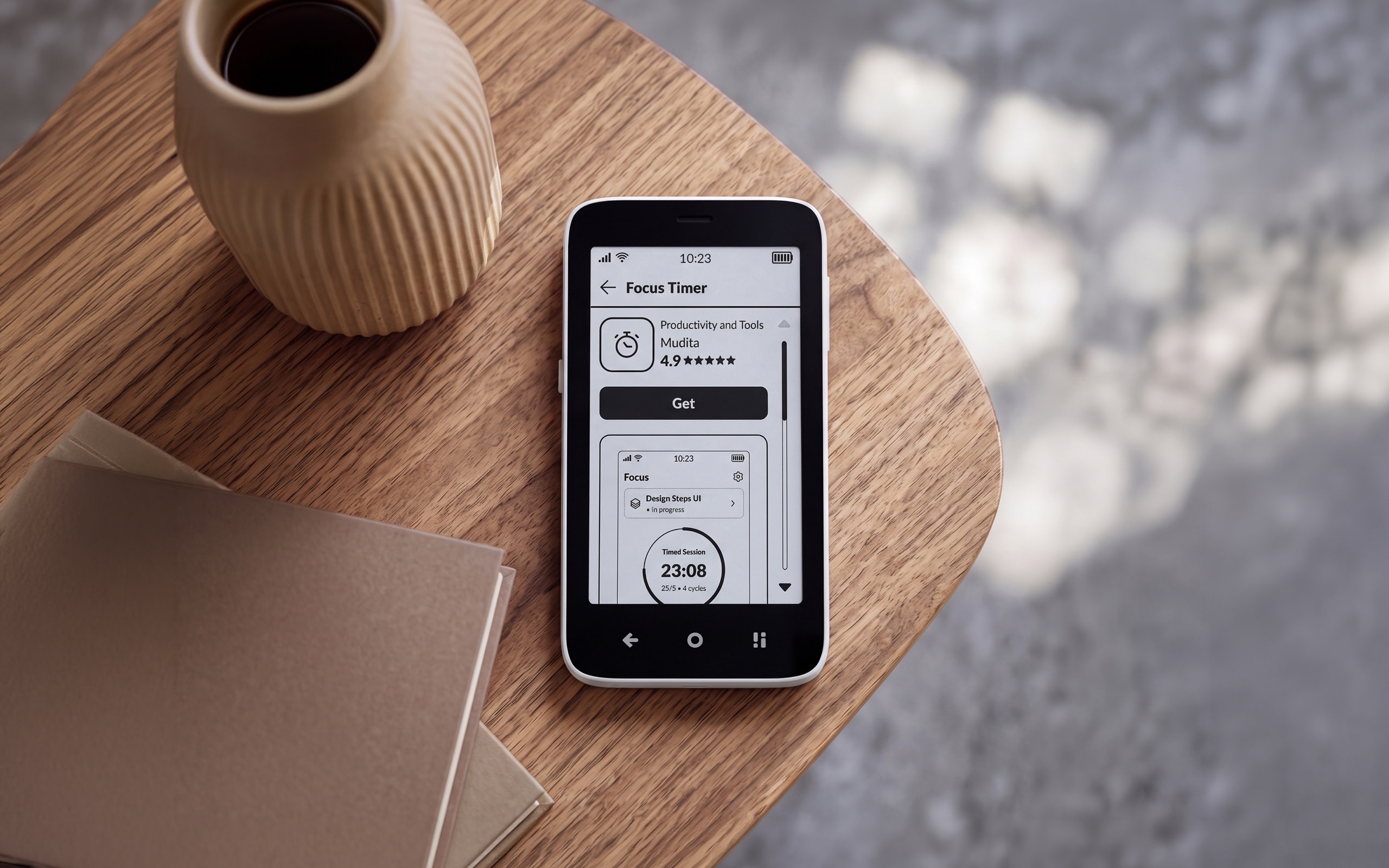
Sometimes you need more
Mudita Kompakt is minimalist by design. Still, sometimes one extra app for a specific task comes in handy.Sideloading is still available, but it means finding APK files and installing them from a computer.Now, there’s also a simpler way: three steps on your phone.
- 01.
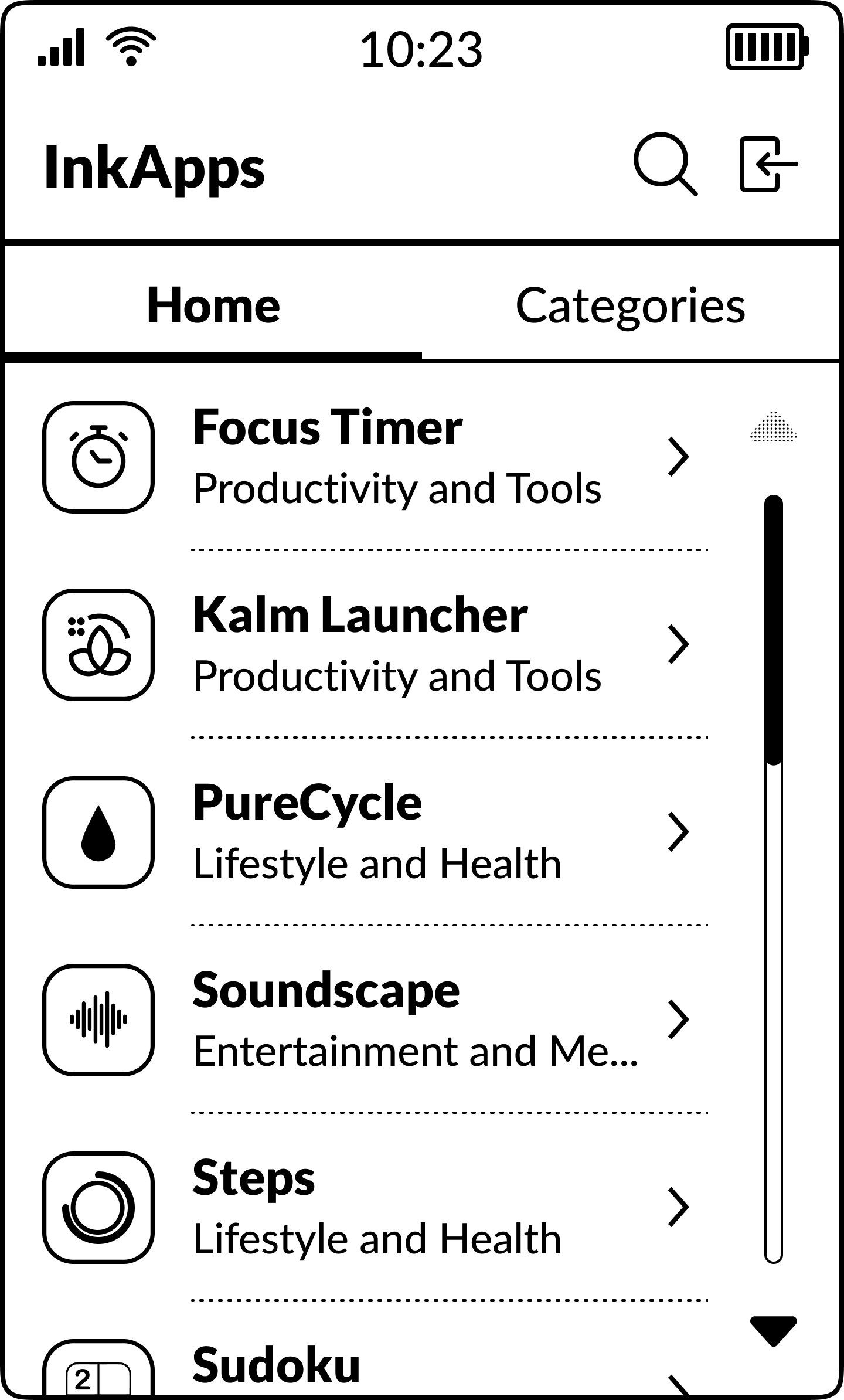
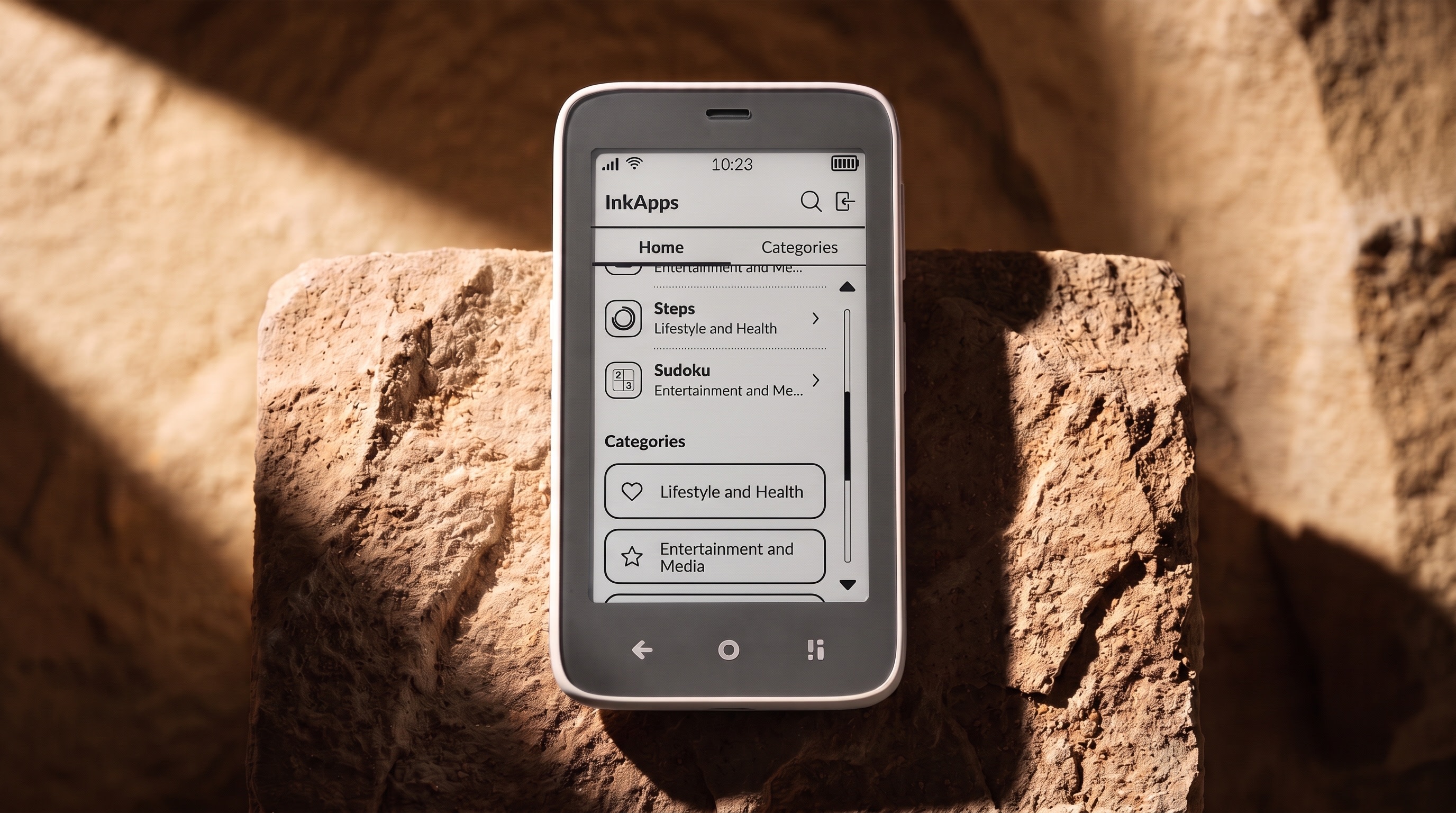
Open InkApps
It’s part of MuditaOS K from version 2.0, so there’s nothing extra to download.
- 02.
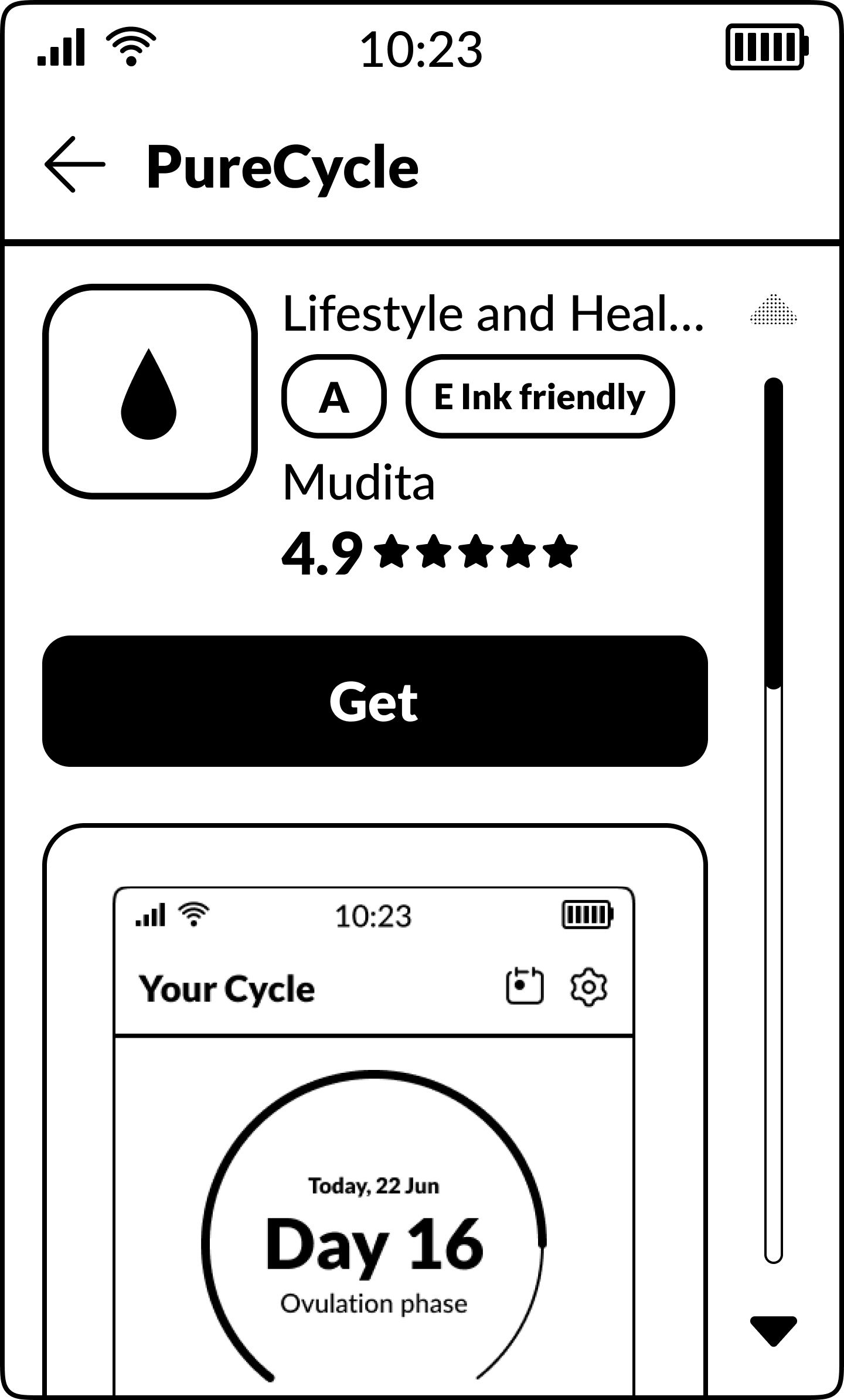
Make an informed choice
See each app’s Mudita Score, whether it works offline, and what permissions it needs, including whether it uses features designed to keep you engaged.
- 03.
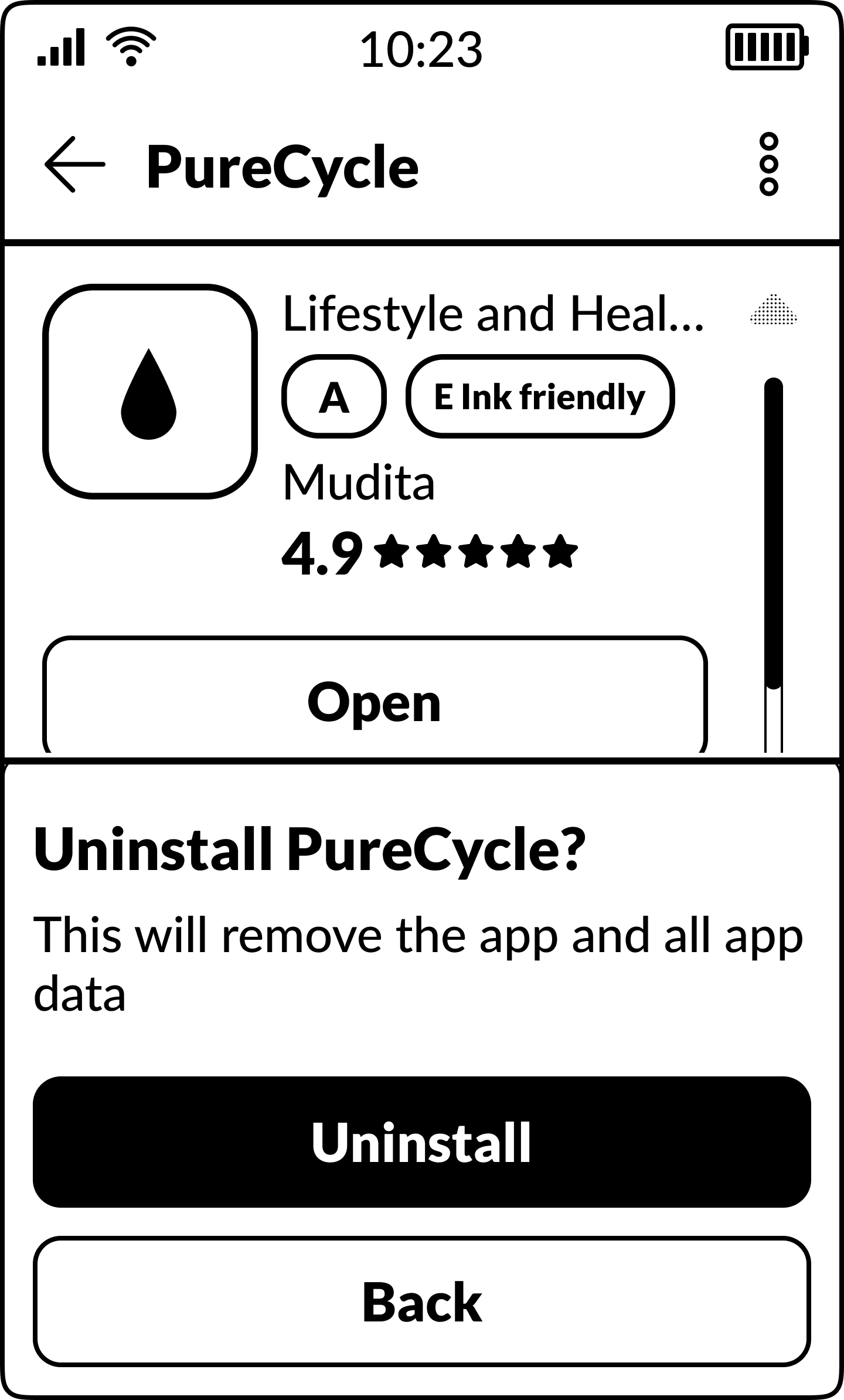
Install and uninstall apps
Install apps directly on your phone, without a computer. When you no longer need an app, uninstall it through InkApps.
Explore the InkApps collection
Browse the same app collection you’ll find on your Mudita Kompakt. Filter by offline use, data sharing and other preferences, then review each app’s details before deciding what to install.
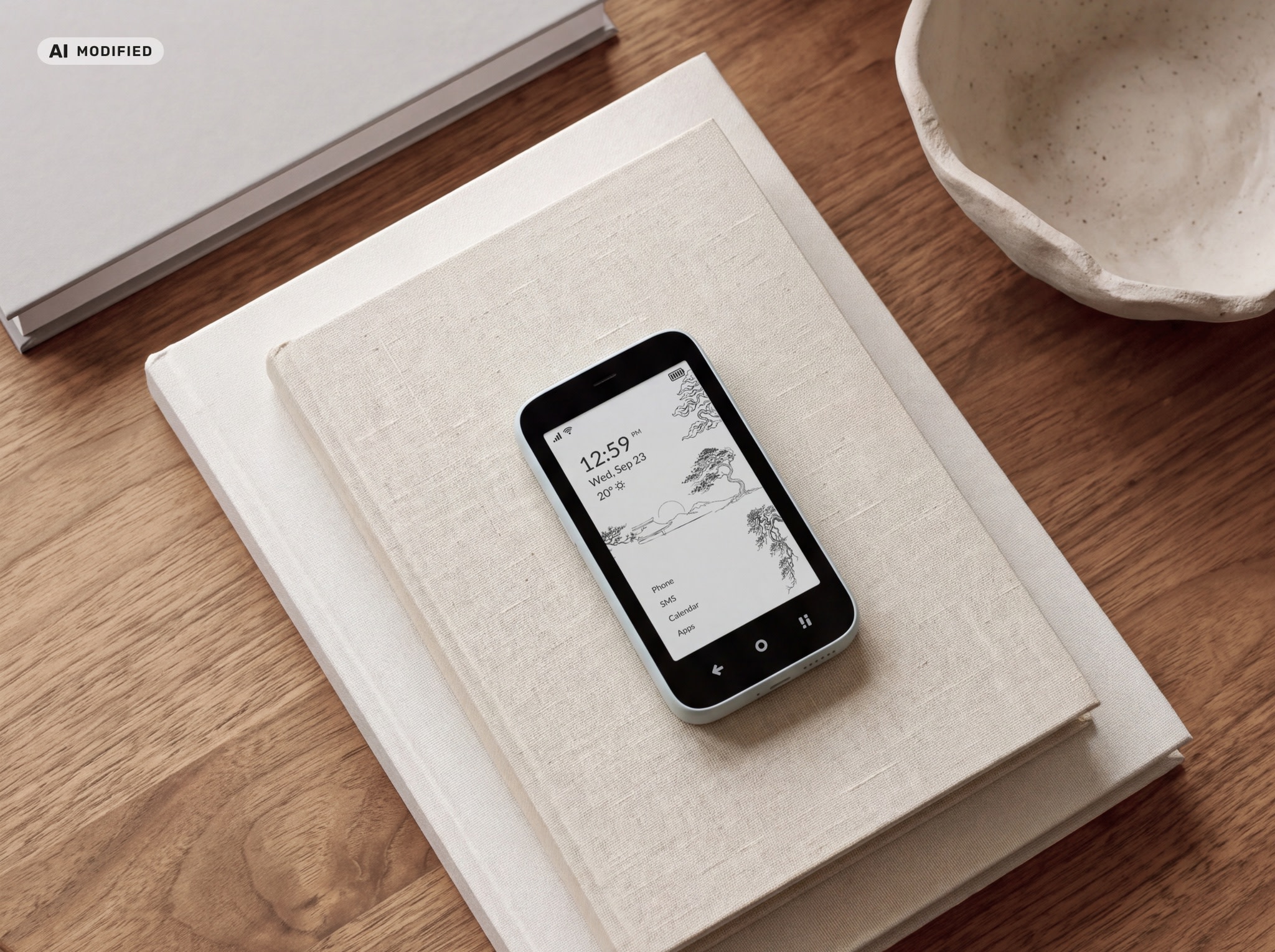
Still minimalist
InkApps isn’t an endless catalog to scroll through. It’s a collection of useful tools that grows over time. Add only what you need, and remove it when you no longer need it. Your Mudita Kompakt stays as calm as you set it up to be.
Chosen for Kompakt
Every app, including our own, is reviewed before it goes live. We make sure it’s useful and simple to use, and that its developer has clearly stated how it works offline and how it treats your attention.
Usefulness
Each app helps you do something specific, then lets you get on with your day.
Simplicity
Apps that are easy to understand, without features you don’t need.
Clarity about offline use
You see whether an app works fully offline, partly offline or needs a connection.
Clear information about engagement features
Features such as autoplay or streaks are disclosed before you install.
Appropriate content
All apps are suitable for a general audience.
E Ink® friendly
Apps designed especially well for E Ink® carry this badge and are featured in the collection.
Building apps like these? Visit the Mudita Developer Portal.
Know before you install
Choosing an app is about more than a list of features. InkApps shows how each app behaves, so you can decide based on your own boundaries. Some apps work fully offline, others need a connection. Some include features designed to hold your attention. You see this before you install, and the choice is yours.
Every app’s label shows
Whether the app works without the internet.
Such as autoplay or infinite scroll.
How it uses data and what access it needs.
Which license it uses.
A badge for apps that suit E Ink®.
The Mudita Score, from A to D
No ads, no data collection, no attention traps.
A few elements worth knowing about.
Includes features designed to keep you engaged or that use your data.
Several elements that may affect your time, attention or privacy.
A lower score isn’t a warning. It means you know what you’re choosing.
Where the score comes from
- 01.The developer answers our questions
They cover ads, data, notifications and engagement mechanisms.
- 02.Our team reviews the answers
We check them alongside the results of automated tests.
- 03.You can report a mismatch
We review every report, so each app’s description matches how it really works.
Mudita sets the score based on the developer’s answers and our own review.
Shaped by the community
Thank you to everyone who built, tested and shared. Sideloading still works as before.
- Sideloading from day one
Kompakt has let you install apps from your computer from the start.
- Community apps
The Mudita community began building and adapting apps for E Ink®.
- Mudita Mindful Design
Guidelines and components helped shape interfaces for E Ink®.
- Community App Ranking
The ranking on our Forum helped people find apps.
- NowInkApps in MuditaOS K 2.0
That work now has a home on the phone itself.
Frequently asked questions
Didn’t find your answer? Visit Mudita Support.
01About InkApps
Is InkApps an app store?
InkApps is a curated collection of apps for Mudita Kompakt. It isn’t an attempt to recreate a traditional app store. The focus is on finding useful apps, not on having as many apps as possible.
Does InkApps turn Kompakt into a smartphone?
No. Mudita Kompakt stays distraction-free. InkApps lets you add specific tools, with clear information about how they behave, without endless feeds or catalogs.
Where do I find InkApps?
InkApps is part of MuditaOS K on Mudita Kompakt from version 2.0. Open it on your phone to install, uninstall and manage apps.
Can I still sideload apps?
Yes. InkApps works alongside sideloading, so you can keep installing apps from other sources if you prefer.
02Apps and review
How are apps reviewed?
Every app, including our own, is reviewed before it goes live, with automated checks where possible and a manual review by our team. No review can catch everything, so you can report an app that doesn’t match its description. Apps with false declarations are removed from the collection.
Do you exclude apps designed to hold attention?
We disclose these features rather than decide for you. Developers declare mechanisms such as infinite scroll, autoplay or algorithmic feeds, and you see them before you install. We don’t distribute apps with content unsuitable for a general audience.
What is the E Ink® friendly badge?
Our team gives the badge to apps designed especially well for the E Ink® screen. Apps without it can still work well; the badge helps you find the ones that look and work best.
Will WhatsApp or Signal be in InkApps?
No. Distribution of these apps is up to their creators. You can still sideload the apps you choose.
How do I report an app that doesn’t work as described?
On the app’s card in InkApps, choose to report a problem and tell us what’s wrong: the description or Mudita Score, bugs, or content not suitable for all ages. Our team reviews every report.
03Mudita Score
What does the Mudita Score mean?
It’s one letter from A to D that shows how an app treats your attention and your data. It’s based on the developer’s answers about ads, data, notifications, endless feeds and other engagement mechanisms, and our team reviews those answers before the app goes live.
Is an app with a D score worse?
Not necessarily. The score doesn’t say whether an app is good, only which mechanisms it includes. It helps you know what you’re choosing, and the choice stays yours.
How is the Mudita Score different from the Community App Ranking?
The Mudita Score is Mudita’s own score, based on the developer’s declarations and our review. The Community App Ranking on our Forum reflects users’ opinions.
04Installing and account
Do I need an account?
To install apps and to rate and review them, you sign in with your Mudita Account. You can use your Google account or an email and password.
I’m a developer. How can I add my app?
Visit the Mudita Developer Portal to create a developer account and submit your app for review.